Struggling with compliance
at check-in?
Expired licences. Missed inductions. Paper sign-in sheets. Sound familiar?


The struggle ends here.
Every contractor. Every check-in. Compliant. Automatically.
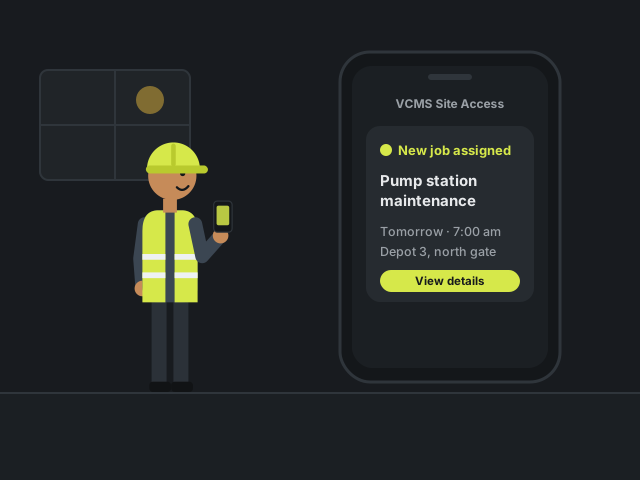 01The day before · 4:10 pm
The job lands.
Mike’s assigned tomorrow’s job at Depot 3. The details arrive on his phone, in the VCMS Site Access app.
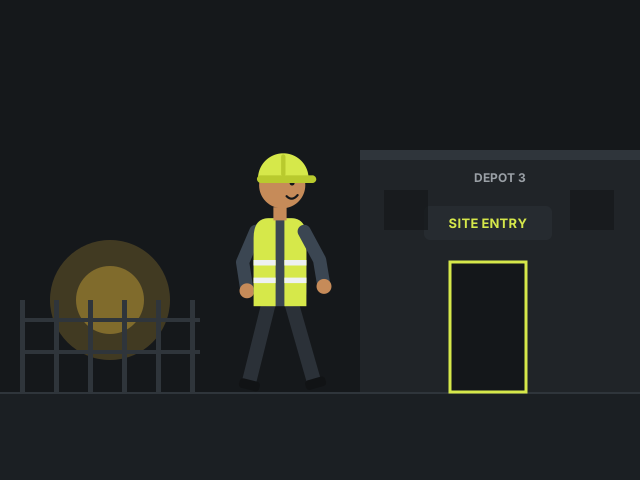 026:58 am · Depot 3
Meet Mike.
Mike’s a contractor. He’s on time, and ready to start his assigned job.
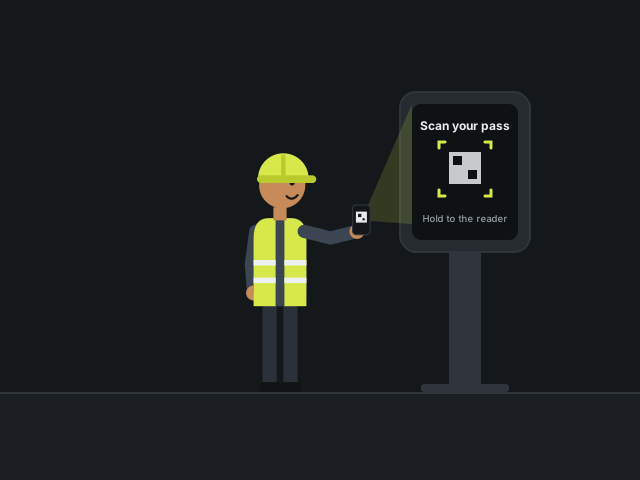 037:02 am · Site entry
One scan.
He holds his access code up to the kiosk, the same as any other morning.
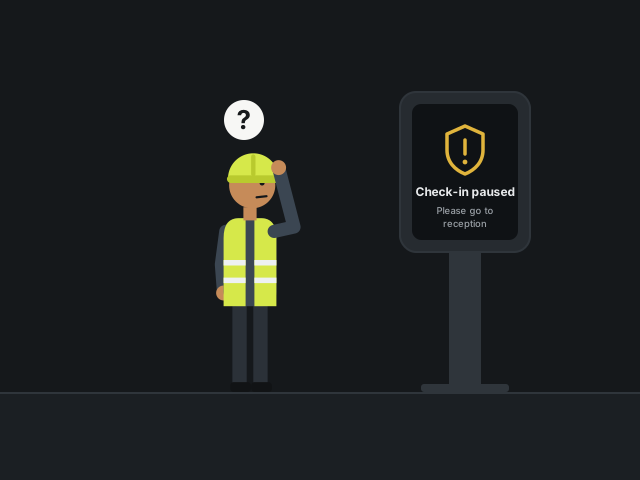 047:02 am · Kiosk
Not so fast.
Mike’s check-in pauses with a prompt: “Please go to reception to complete your check-in.”
 057:03 am · Lobby
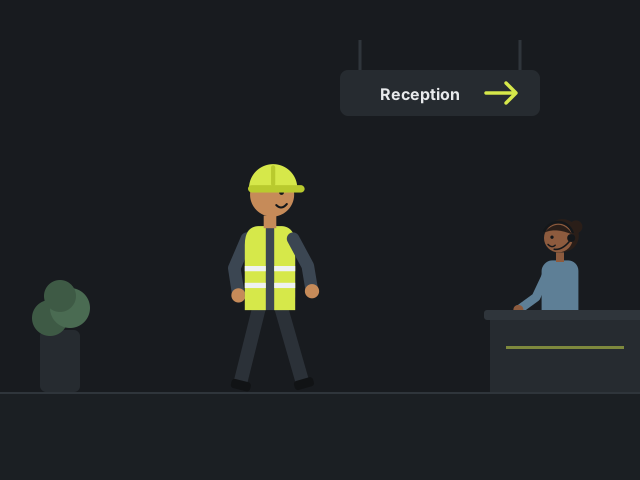
Off to reception.
Mike looks around, spots the front desk and heads straight over.
 067:03 am · Front desk
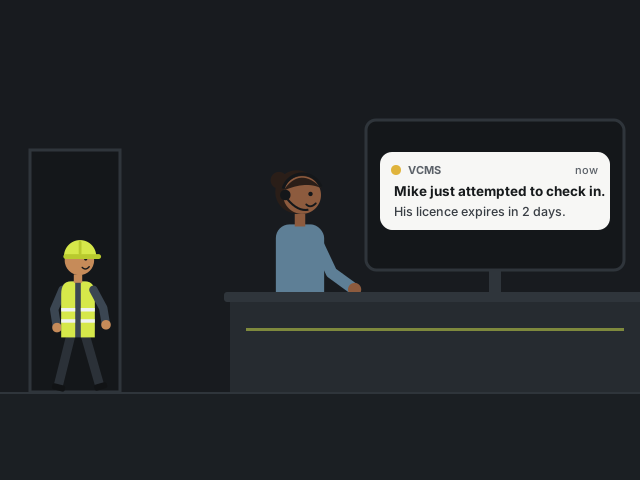
Reception already knows.
Before Mike even arrives, the receptionist gets an alert on her screen.
 077:04 am · Front desk
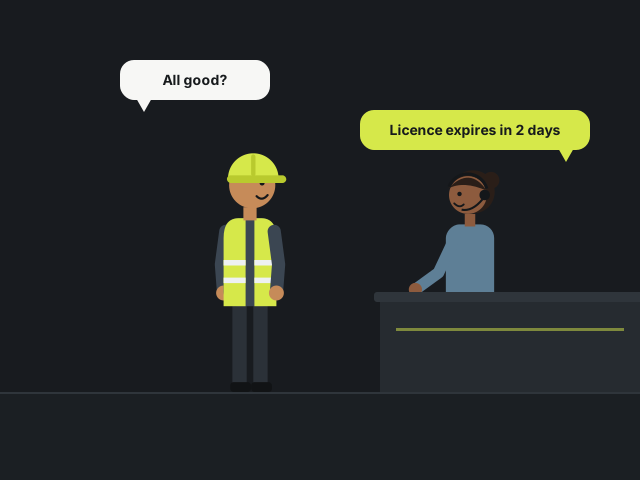
A quick word.
Thirty seconds at the desk, and both of them know exactly what is missing.
Mike
“Hi, I was asked to check in here. All good?”
Receptionist
“Nearly. Your licence expires in two days. Could you upload the new one by tomorrow?”
Mike
“My bad, I forgot. It’s on my phone. I’ll upload it right now.”
 087:05 am · VCMS Site Access app
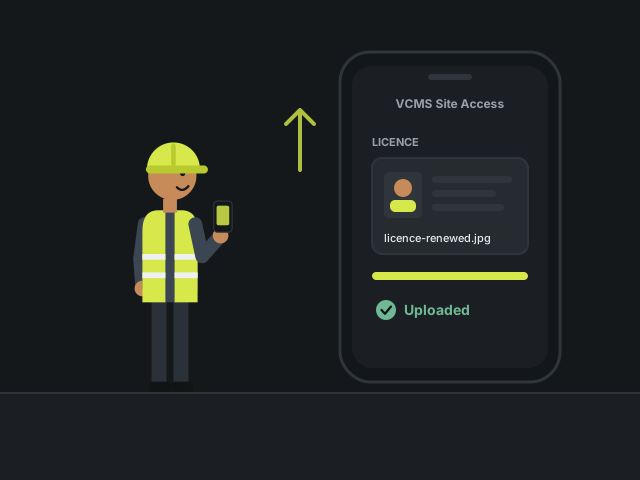
Uploaded in seconds.
Mike uploads his renewed licence straight from his phone. No forms. No fuss.
 097:05 am · Front desk
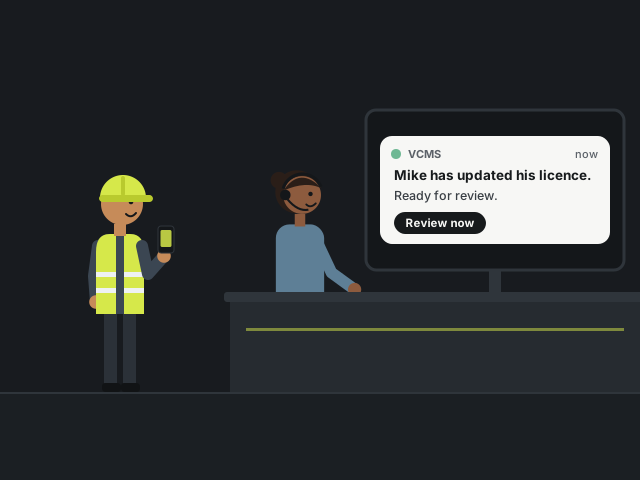
Updated. Instantly.
Reception knows the moment Mike’s new licence lands.
 107:06 am · On site
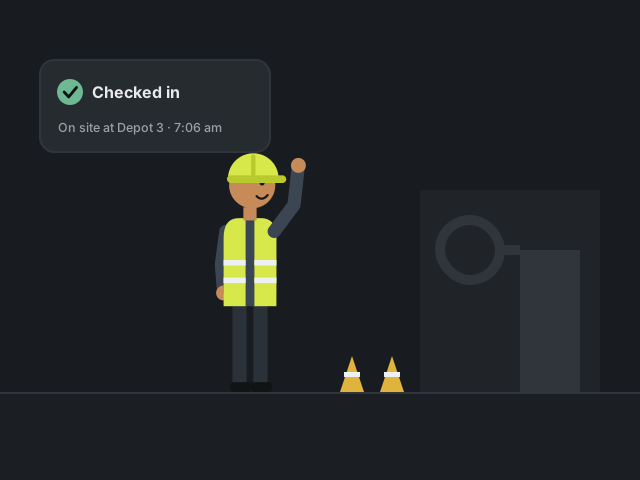
Good to start.
Mike’s checked in and on the site’s live roster, and the morning starts on time.
Receptionist
“Got it, thanks! Admin will approve it by tomorrow. You’re good to start. Have a great day.”
 11Next morning · 9:00 am · Admin
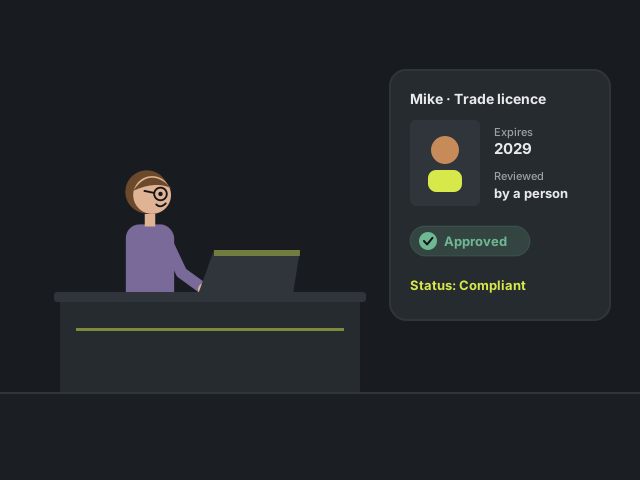
Approved.
A person reviews the new licence and approves it. Mike’s record is compliant again, and the new expiry date is tracked from here.
 123:30 pm · Site exit
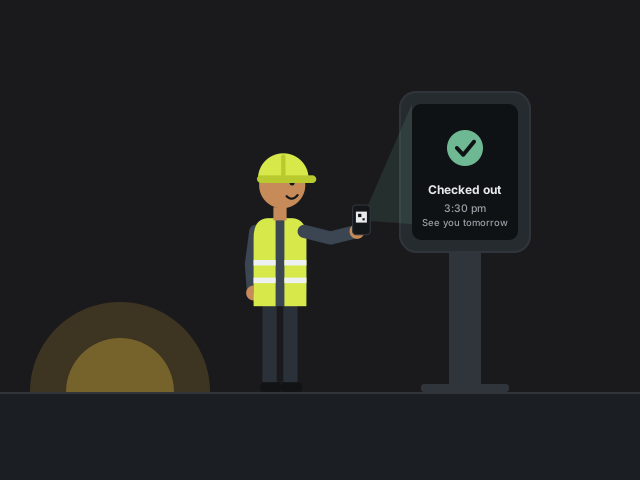
Checked out.
Mike scans out at the end of the day. Every hour he was on site is on the record.
Book a demo of VCMS with Aiida.
See a contractor check-in like Mike’s run against your own sites, documents and inductions.